VEX V5RC competition command

Scoutly

Team lookup, ranking context, watchlists, rules tools, calculator checks, and whiteboard planning for competition day.

Live app surfacesDark mode
Scoutly dark mode Home screen for Push Back with team watchlist context
Push Back home
Scoutly dark mode Lookup screen for Push Back showing team profile data
Team lookup
Scoutly dark mode Override calculator screen
Override calculator

Push Back data

Team lookup, events, watchlists, rankings, and leaderboard screenshots are set to Push Back.

Override tools

Whiteboard and calculator screenshots are set to Override.

Built for V5RC

Fast enough for queue-line checks, detailed enough for strategy huddles.

No fluff

The website describes shipped app surfaces, not future features or inflated claims.

Field loop

One app for the whole competition conversation.

01

Before matches

Find the team fast.

Open Push Back team context, rankings, events, and match records without losing the thread in the pit or stands.

Scoutly Push Back team lookup in dark mode
02

During strategy

Compare signal, not noise.

Use leaderboards, team strength, watchlists, and saved context to keep alliance conversations grounded.

Scoutly Push Back leaderboard in dark mode
03

Between rounds

Plan the next move.

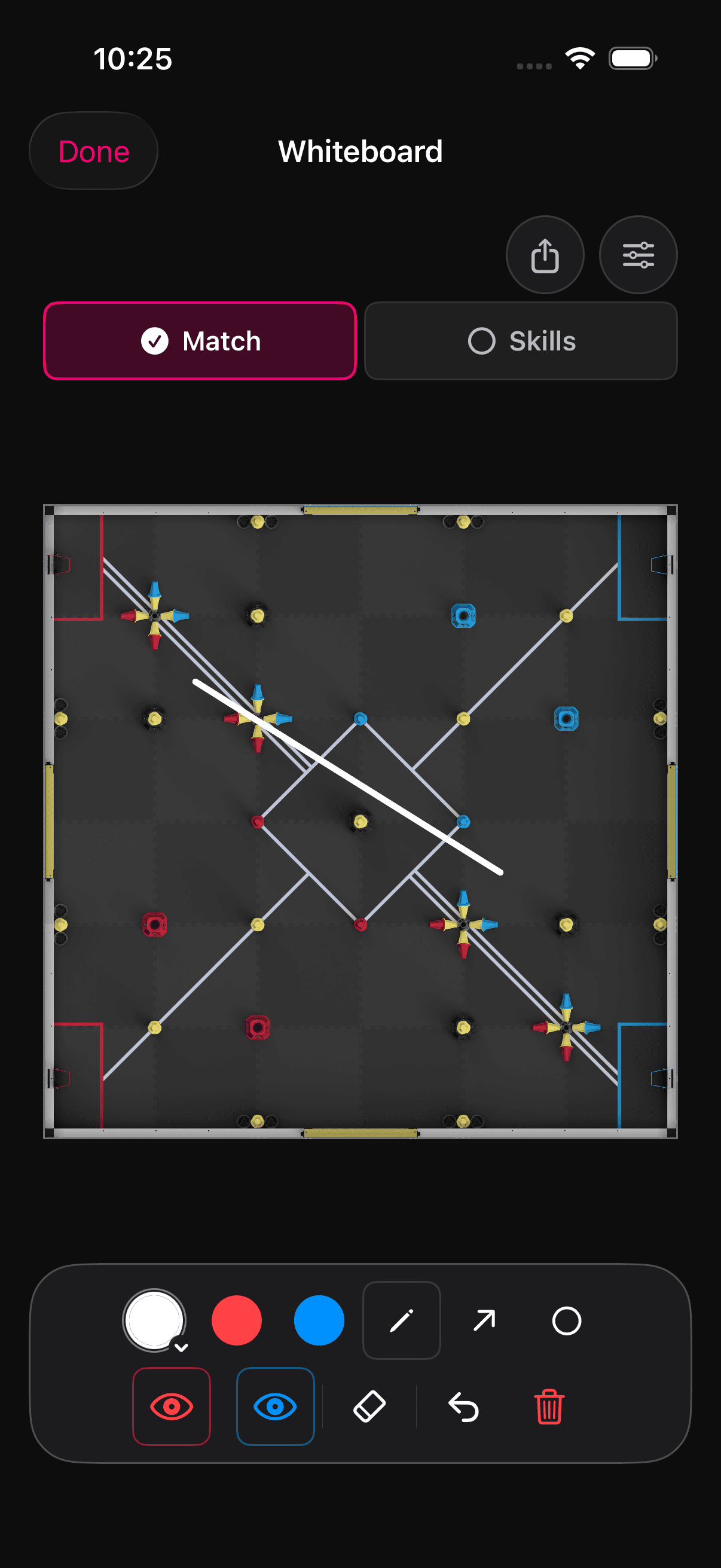
Switch to Override tools when you need field drawings, calculator checks, and rules context for the current game.

Scoutly Override whiteboard in dark mode
Workflow

From lookup to decision.

  1. Search a team or event.
  2. Check ranking and match context.
  3. Mark teams worth watching.
  4. Sketch the plan.
  5. Run calculator checks.

Ready for the next event

Put Scoutly on the device that travels with the team.